Everything, in detail
One tool for your clients and the sites they own
Every feature below is built and working — not a roadmap item.
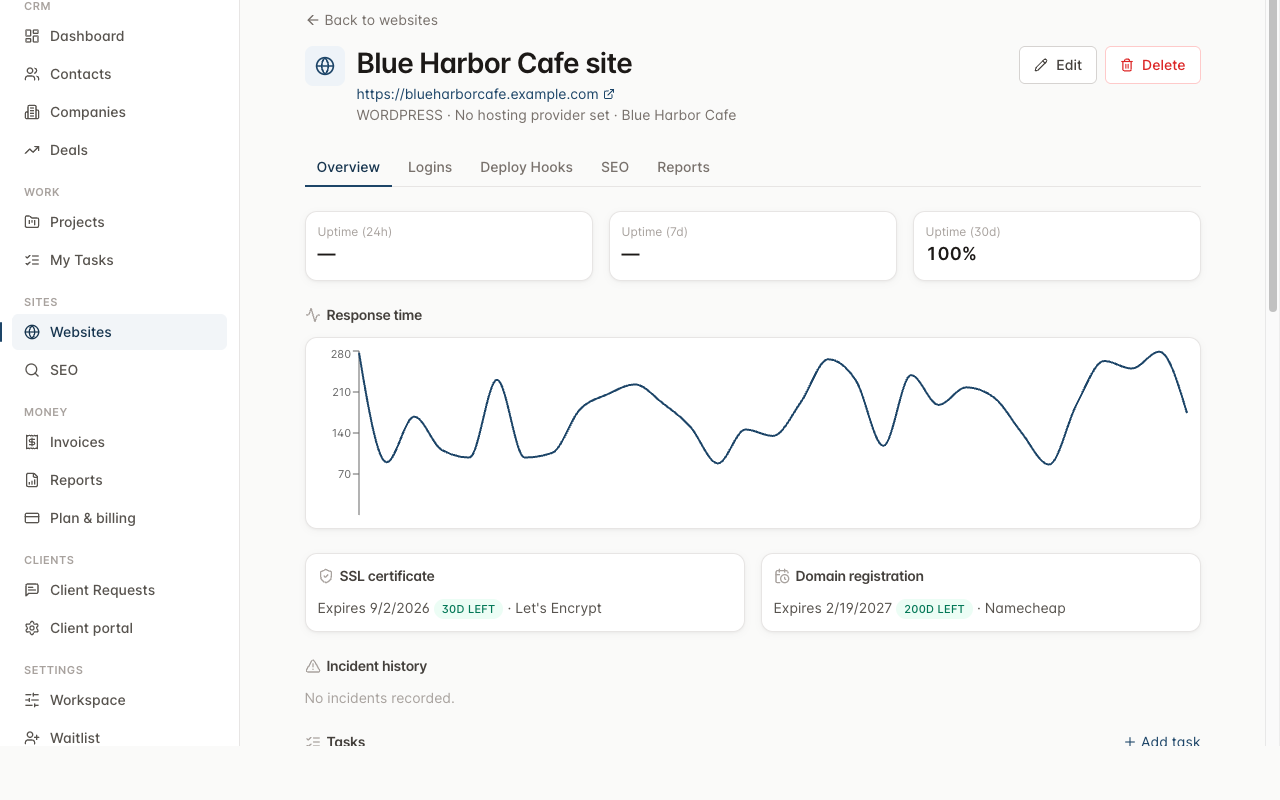
Monitoring & incidents
Five kinds of monitoring, one incident timeline
Each website you track gets checked on its own schedule for all of the following. When a check fails, an incident opens automatically — notifying you by email and webhook — and resolves itself the moment the site recovers.
Client portal
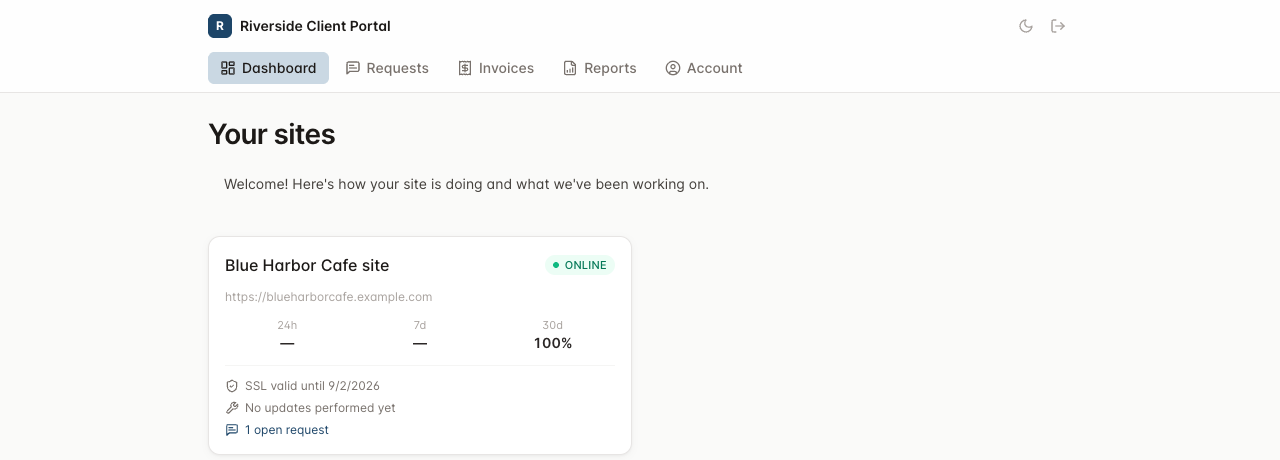
A white-labeled front door for every client
Each workspace gets its own branded portal — your logo, your colors, your welcome message, optionally your own domain. Clients log in to see exactly what you choose to show them, and can submit requests that land directly on your project board.
- Per-workspace branding: logo, favicon, primary/accent color, custom welcome message
- Feature toggles: uptime stats, invoices, update log, SEO score summary, request submission, online invoice payment
- Client comments on a request can be marked shared or internal-only — internal never leaks to the client
- Incident and request-status emails, batched hourly so a flapping site doesn't spam an inbox
SEO audits
40+ checks, one score
A polite crawler — respecting robots.txt, throttled, capped at 200 pages — runs technical, content, and on-page checks and rolls them into a 0–100 score across four weighted categories. Issues persist across audits, so a fix gets credit and a regression gets flagged.
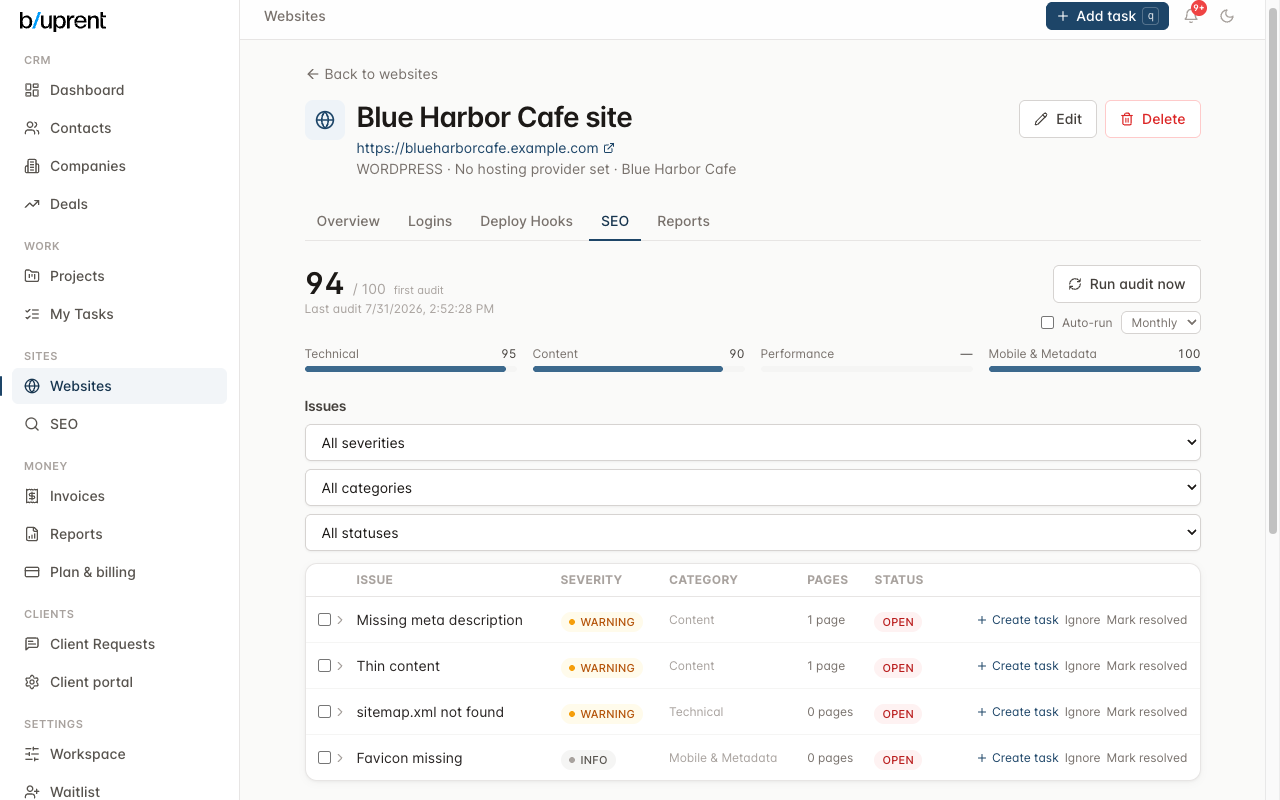
Technical
titles, canonicals, redirects, sitemap/robots, HTTPS enforcement, broken links
Content
meta descriptions, heading structure, thin content, duplicate content
Performance
PageSpeed Insights — Core Web Vitals, mobile and desktop (optional, needs an API key)
Mobile & metadata
structured data, Open Graph tags, favicon, alt text coverage
Projects & tasks
Kanban or list — however the work makes sense
Projects hold sections, subtasks, checklists, comments with @mentions, and watchers. Start from a template (win a deal, get a website-build project with pre-built sections and tasks) or set up recurring rules for the maintenance you do every month.
- Kanban ↔ list toggle, drag-and-drop between sections
- Recurring task rules materialize new tasks on a schedule
- Client requests route into the site's active project automatically
- Global quick-add — press q anywhere in the app
Invoicing
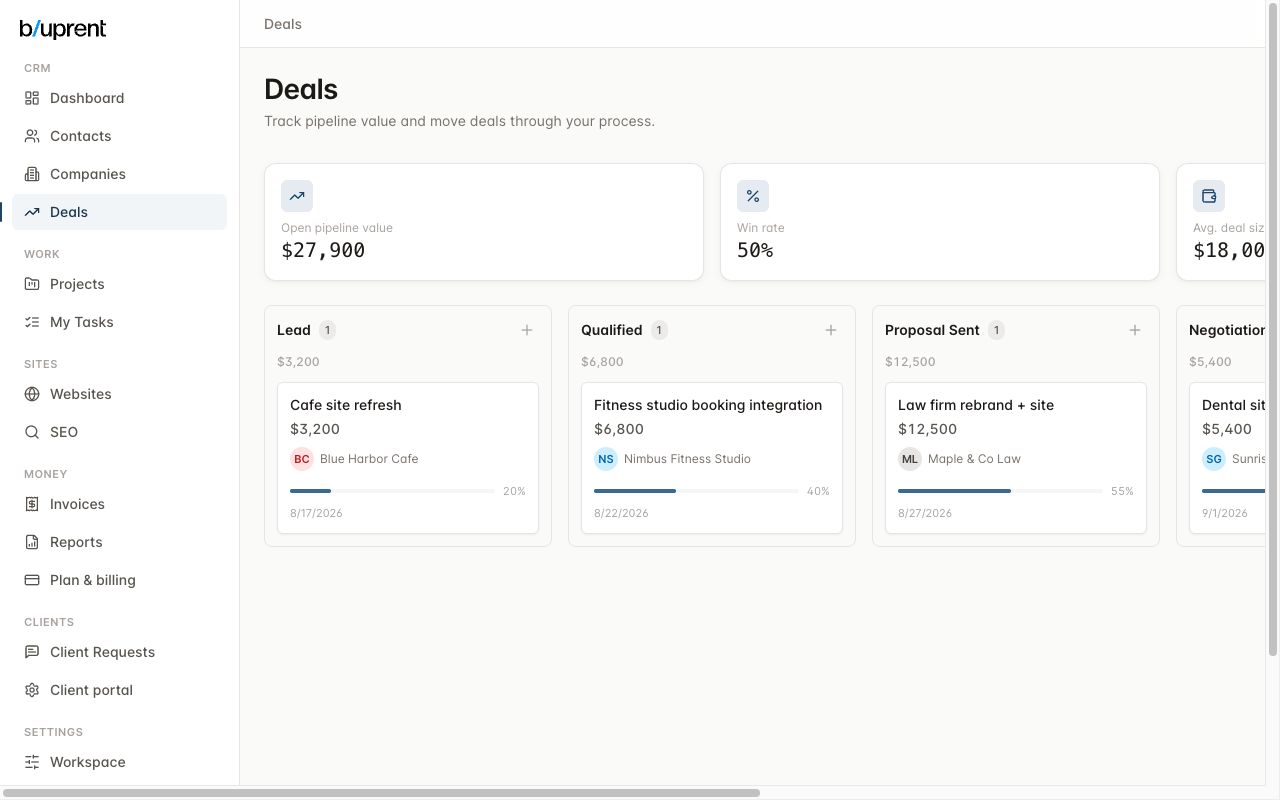
Invoices that stay in sync with the work
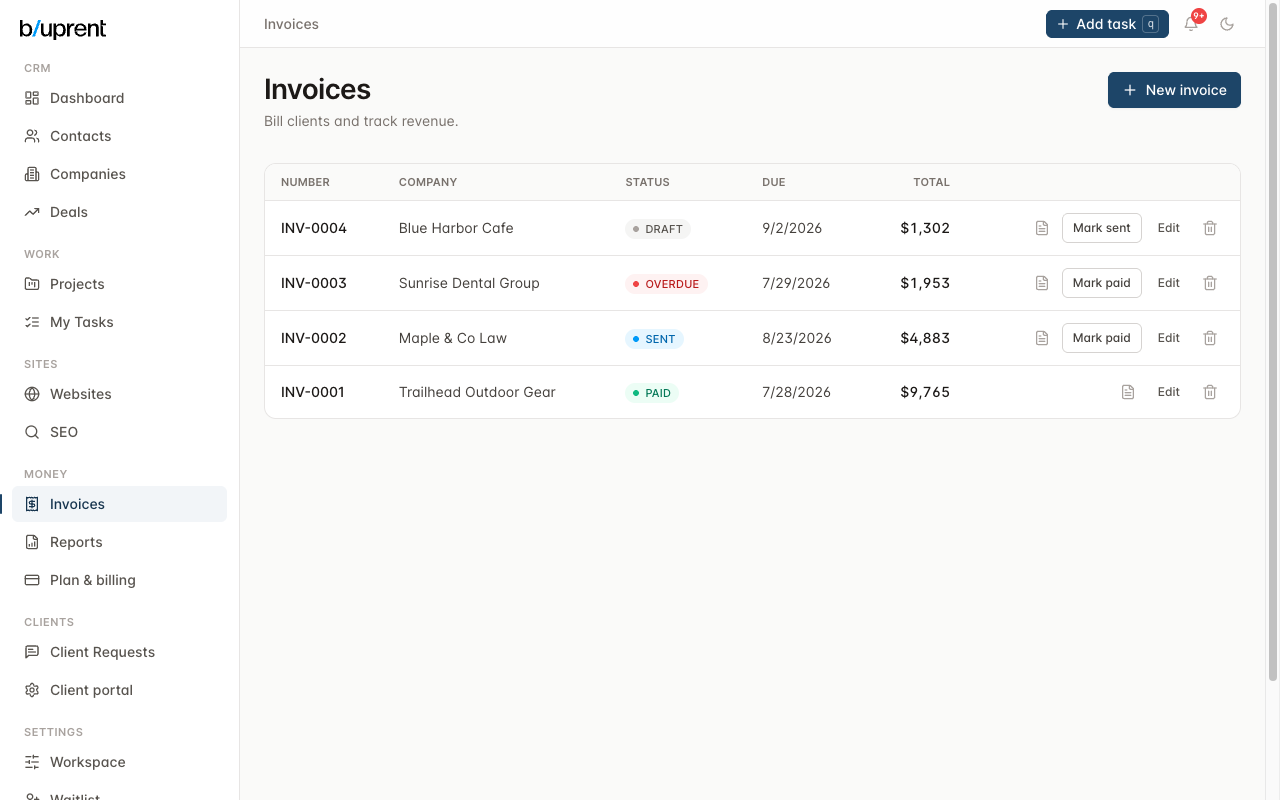
Line items, tax rate, auto-numbering per workspace, and a status flow from draft through sent to paid. Overdue is computed live from the due date rather than a status you have to remember to flip. Every invoice generates a PDF and logs to the client's activity timeline.
For sites you built yourself
Dev tools, not just a dashboard
WordPress management
Core, plugin, and theme version tracking with one-click updates via the REST API or SSH/WP-CLI. Every update takes a pre-update backup and writes a full log.
Content editor
A rich-text editor for WordPress content with automatic backups of the previous version before every save.
SFTP + Monaco
Browse any SSH-enabled site's files and edit them in-browser with the Monaco editor — confirm-before-save, automatic timestamped backups.
Deployment hooks
Trigger a deploy over SSH or webhook, with every run's output and trigger source logged for later.